
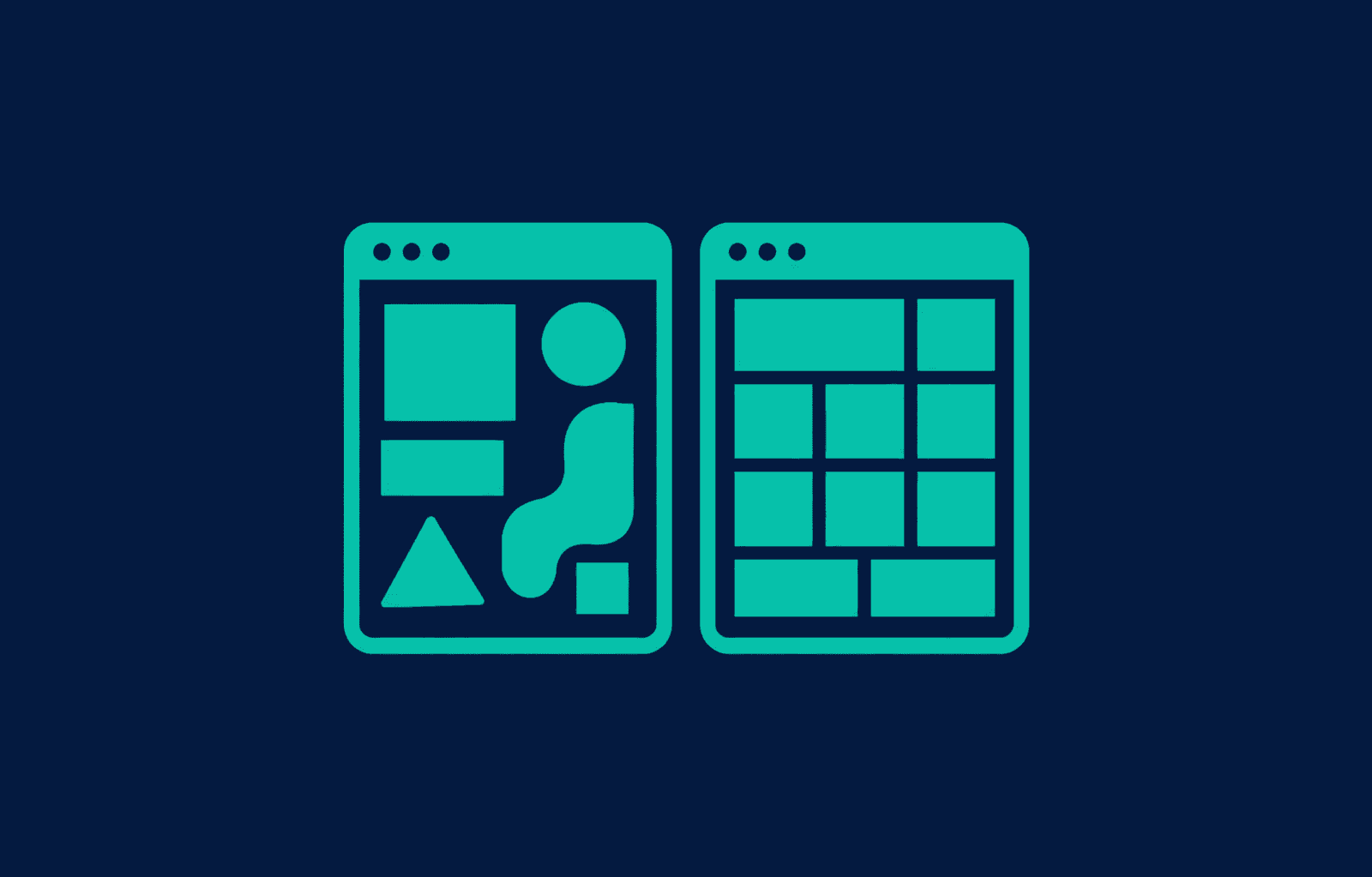
Power Apps gives you two ways to build an app, and they are not variations on a theme. A Canvas App is designed screen by screen, so you control the layout exactly. A Model-Driven App is generated from your data model, so the layout follows your tables. Pick by asking whether the screen or the data leads.
What is the actual difference?
In a Canvas App you place every control yourself. You decide what sits where, what the app does on each tap, and how a screen reflows on a phone. The data is something the app connects to.
In a Model-Driven App you do not place anything. You define tables, relationships, and forms in Dataverse, and the app renders itself from that. You are configuring, not laying out.
That distinction is the whole decision. Everything below follows from it.
Canvas vs Model-Driven at a glance
| Aspect | Canvas App | Model-Driven App |
|---|---|---|
| You design | Every screen, control, and interaction | Tables, forms, views, and relationships |
| Layout control | Complete | Generated by the platform |
| Data source | Dataverse, SharePoint, SQL, connectors | Dataverse only |
| Best on | Phones and tablets | Desktop, and tablets at a push |
| Offline | Supported | Not in the same way |
| Complex relationships | You build the navigation yourself | Handled natively |
| Build speed for one table | Fast | Fast |
| Build speed for 20 related tables | Slow, and painful to maintain | Fast |
| Consistency across screens | Your responsibility | Automatic |
When should I choose a Canvas App?
Choose Canvas when the interface has to match a specific task. That usually means one of these:
- The app is used on a phone. Field capture, inspections, gate logs, anything done standing up.
- The screen follows a physical process. Someone walks around a container or works down a checklist, and the app should follow that order rather than the order the data is stored in.
- It needs to work offline. Canvas handles this. Design it in from the start, because it changes where data is written.
- The data is not in Dataverse. SharePoint, SQL Server, or a third-party service through a connector.
- A non-technical person has to use it once, with no training. Complete layout control matters when the user gets one shot at it.
When should I choose a Model-Driven App?
Choose Model-Driven when the app is a front end for structured data.
- There are a lot of related tables. Accounts, contacts, cases, activities. Model-driven navigates relationships without you building the navigation.
- Consistency matters more than layout. Every form looks the same because every form comes from the same model. That is a feature for an internal system.
- Administrators need to change things. Adding a field is a schema change, not a redesign.
- Security has to be granular. Row-level and field-level security is native, enforced at the data layer rather than by hiding controls.
- It is used at a desk. Model-driven apps are built for a large screen.
What if the answer is both?
Plenty of real systems use both, and that is not a compromise. A common shape is a Model-Driven app for administrators and a Canvas App for the people in the field, over one Dataverse model.
Administrators configure the rules, and the Canvas App renders what the front-line staff see. The configuration lives in data, so changing what the field app asks does not require a release.
What does choosing wrong cost?
Building a heavily relational internal system in Canvas is the expensive mistake. You end up hand-building navigation, forms, and security that the model-driven platform gives you, and every new table multiplies the work.
The other direction fails differently. Forcing a field process into a Model-Driven app usually means people stop using it, because the interface was never designed for the job they are doing.
Neither is fatal early. Both get expensive once there is real data in them, which is why this is worth ten minutes at the start.
How do I decide in practice?
Ask one question: does the screen lead, or does the data?
If you can describe the app as a sequence of screens someone moves through, that is Canvas. If you describe it as records and how they relate, that is Model-Driven. If you find yourself describing both, you probably need both, and the data model is where to start.
Frequently asked questions
Can I switch later? Not directly. The data can move, but the app is rebuilt. This is why the choice is worth making deliberately rather than by default.
Which one is cheaper to licence? It depends on the connectors and whether you are on Dataverse, not on the app type itself. Settle licensing before design, because it constrains what you can use.
Can a Canvas App use Dataverse? Yes, and often should. Canvas is not limited to SharePoint or SQL. Model-driven is the one restricted to Dataverse, not the other way round.
Last updated
- Power Apps
- Canvas Apps
- Model-Driven Apps