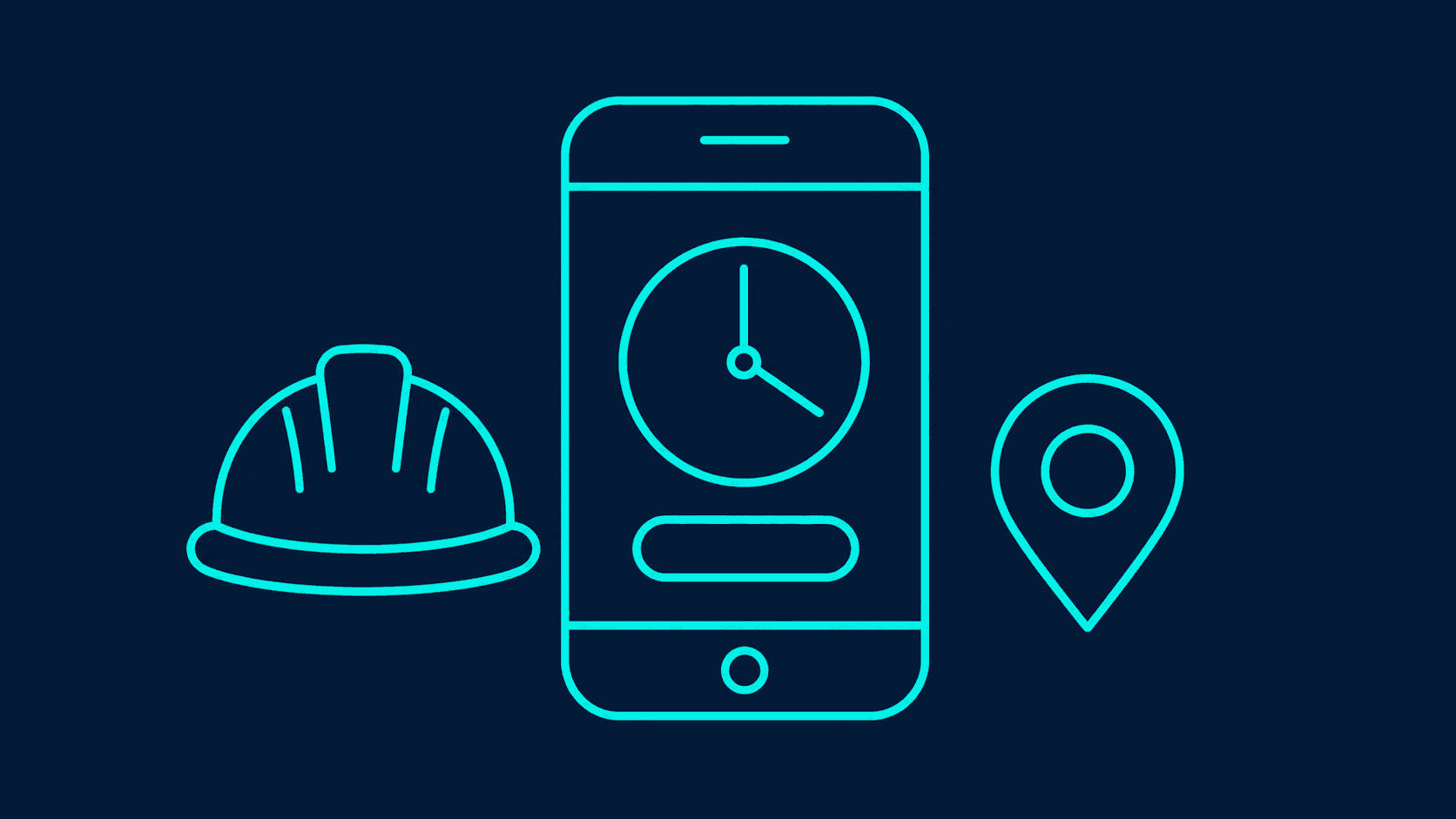
A construction timesheet app on Microsoft 365 lets each worker clock in and out on a phone against a site and job code, with the time and, if you want it, the location recorded at that moment. At the end of the week the foreman approves the crew's hours in Teams, and payroll gets one clean export instead of a pile of paper sheets.
Most small contractors still run on paper sheets or a WhatsApp message with hours in it. The sheets arrive late, hours get booked to the wrong job, and nobody can say what a job really cost in labour until weeks after it finished.
What does a construction timesheet need to record?
| Field | Why it matters |
|---|---|
| Worker | Filled in from their Microsoft 365 account |
| Site and job code | So labour cost lands on the right job |
| Start, finish and breaks | Paid hours, and overtime rules |
| Task or trade | Optional, for costing by activity |
| Location at clock-in | Optional, to confirm the person was on site |
| Notes | Delays, weather stoppages, extra work |
Keep it short. Crews will use an app that takes ten seconds at the start and end of the day. They will not use one that asks for twelve fields.
How does clocking in work?
The worker opens the app, picks the site from a short list, which can be narrowed to the sites they are assigned to, and taps clock in. If location is switched on, the app records where the phone is at that moment. It does not track people through the day. Clock out works the same way, and the app adds up the hours.
A foreman can also clock in a whole crew at once, which suits sites where not everyone has a phone to hand.
How does approval work?
At the end of the week, a Power Automate flow sends each foreman an approval in Teams with their crew's hours by day and job. They approve, or send a line back with a comment. Approved hours are locked, so they can't change after payroll has run.
If a foreman doesn't respond, the flow reminds them, then goes to the site manager. The reminder pattern is the one in How to Build a Power Automate Approval Flow.
How does it get to payroll?
Approved hours go into an Excel file or a CSV laid out the way your payroll software imports, created by a flow each week. If your payroll system has an API or a connector, hours can go straight in, but check that before the build, because it may need a premium connector.
What does the office get out of it?
Labour hours per job, every week, while the job is still running. That is when you can still do something about a job that is going over.
What licences does it need?
On SharePoint lists with standard connectors, this is a Standard app under most Microsoft 365 business plans, as Microsoft explains on its page about app license designation (checked November 2026). Each worker who signs in needs a Microsoft 365 account. A premium payroll connector would change that, as covered in How Much Does a Power App Cost?.
Frequently asked questions
Can subcontractors use it? They can, with a guest or a low-cost account. Many firms record subcontractor hours through the foreman instead, so subcontractors never need to sign in.
Is recording location legal? It depends on your country's employment and privacy rules. Record location only at clock-in and clock-out, tell staff clearly, and check with your adviser before switching it on.
Can it work without signal on site? It can be built to work offline in the Power Apps mobile app, with conditions set out in How to Build an Inspection App in Power Apps.
Can we see hours against the job budget? Yes, if each job has a budget of hours. The app or a Power BI report can show hours used against budget for each job.
Getting it set up
The construction and contractors page shows how timesheets fit with site inspections and safety reports, and A Construction Daily Site Report App covers the daily diary. If you want to talk through how hours reach payroll today, book a 30-minute call.
Last updated
- Power Apps
- Power Automate
- Construction