
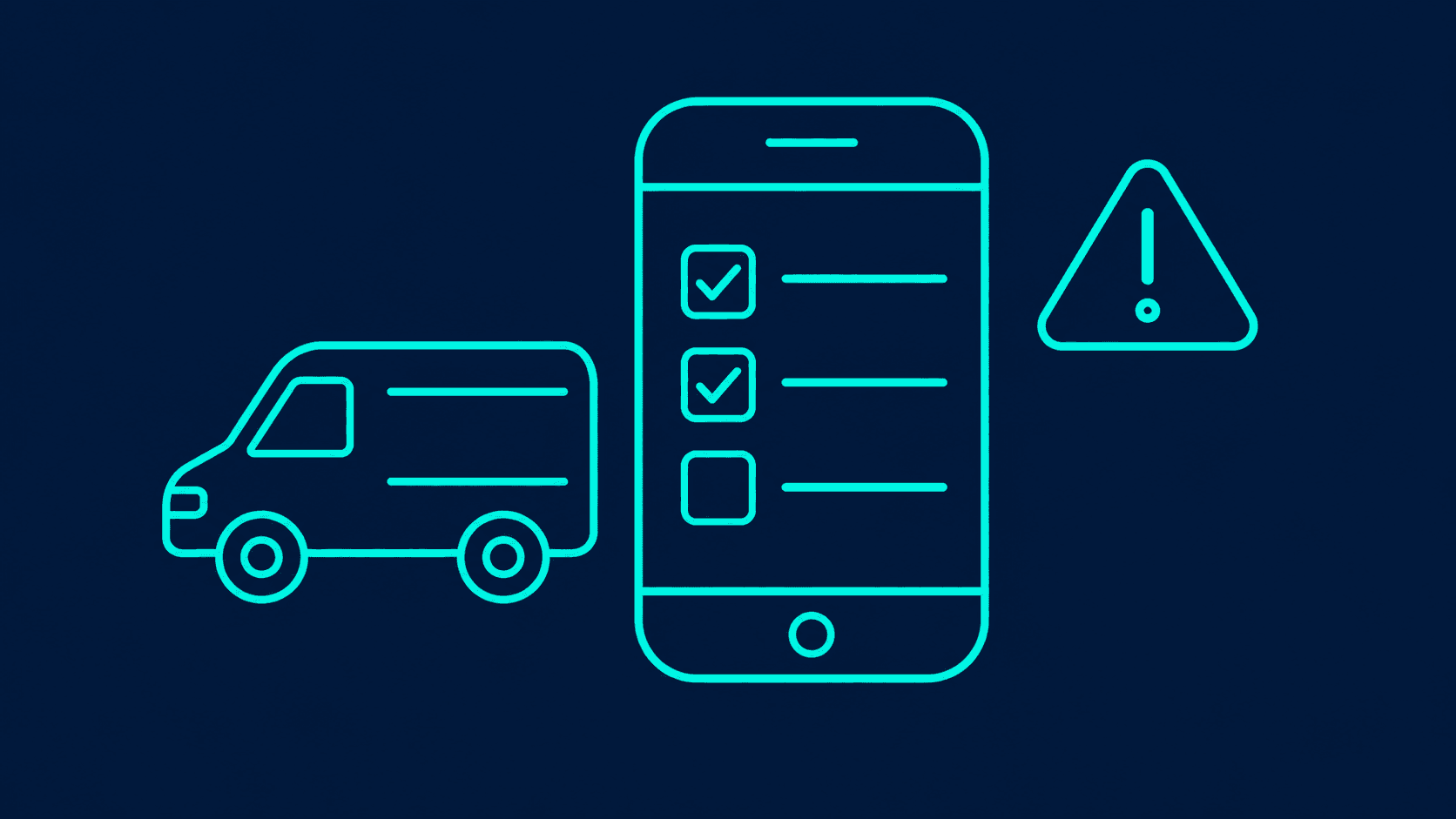
A daily vehicle inspection app on Microsoft 365 lets each driver open the checklist for their vehicle on a phone, often by scanning a QR code on the vehicle, tick each item, and report any defect with a photo. A Power Automate flow sends defects straight to the workshop, and a serious one marks the vehicle as off the road until a mechanic signs it back into service.
Most small fleets still use a paper walk-around sheet. It gets filled in at the end of the shift, left in the cab, or signed without the check being done, and the workshop hears about a defect when the vehicle breaks down.
What goes on a daily vehicle check?
The list depends on the vehicle type and your local rules, so keep the questions as data the fleet manager can edit, not text built into the app.
| Area | Typical items |
|---|---|
| Outside | Tyres, lights, mirrors, body damage, number plates |
| Cab | Brakes, horn, wipers, warning lights, seat belts |
| Fluids | Oil, coolant, fuel, any leaks |
| Load and equipment | Load secure, straps, fire extinguisher, first aid kit |
| Readings | Odometer, fuel level |
Each item gets a pass or fail, and a fail asks for a photo and a note. That one rule makes the record useful when someone asks later whether the check was done.
How does a driver complete it?
The driver scans the QR code inside the cab, and the app opens that vehicle's checklist with the right questions for its type. They go round the vehicle, tick each item, take photos of anything wrong, enter the odometer reading and submit. The record carries the date, time and the driver's name from their Microsoft 365 account.
The QR approach is the same one described in Asset Tracking for Small Businesses with QR Codes and Power Apps, applied to vehicles.
What happens when a defect is found?
Defects are split by severity, which the fleet manager sets per checklist item.
- Minor, such as a chipped mirror. The workshop gets a job, and the vehicle stays in service.
- Serious, such as a brake warning or a damaged tyre. The vehicle is marked off the road, the workshop and the fleet manager are told at once, and the app warns anyone who opens that vehicle's checklist that it must not be driven.
A mechanic closes the defect in the same app with a note and a photo of the repair, which puts the vehicle back in service. A morning flow reminds the workshop about any defect still open.
What does the fleet manager see?
A list of every vehicle with today's check status: done, not done, or off the road. Missing checks show up before the vehicles leave, not at the end of the month. The full history per vehicle, with photos, is there for audits and insurance questions.
Inspections with photos in a yard are close to the container damage reporting app I built for a logistics operator, where each damage photo is tied to its container and the time it was taken.
What licences does it need?
On SharePoint lists with standard connectors, this is a Standard app and runs under most Microsoft 365 business plans, according to Microsoft's page on app license designation (checked November 2026). Drivers each need a Microsoft 365 account to sign in. Moving to Dataverse for a large fleet or offline-heavy use makes it Premium.
Frequently asked questions
Does it work in yards and depots with weak signal? It can be built to work offline in the Power Apps mobile app, with conditions set out in How to Build an Inspection App in Power Apps.
Can drivers without company email use it? They need a Microsoft 365 account to sign in. Many fleets give drivers a low-cost account for this. A shared account per vehicle is cheaper but loses the record of who did the check.
Does it meet our regulator's requirements? The app records whatever your rules require. Which items to check, and how long to keep records, is set by your local regulator and insurer, so take the checklist from them.
Can it track services and MOT or registration dates? Yes. Due dates on each vehicle record let a scheduled flow warn the fleet manager weeks before each one falls due.
Getting it set up
The logistics and warehousing page shows how vehicle checks fit with yard inspections and stock. If you want to talk through how checks run in your fleet today, book a 30-minute call.
Last updated
- Power Apps
- Power Automate
- Logistics