
SharePoint & Custom API Integrations
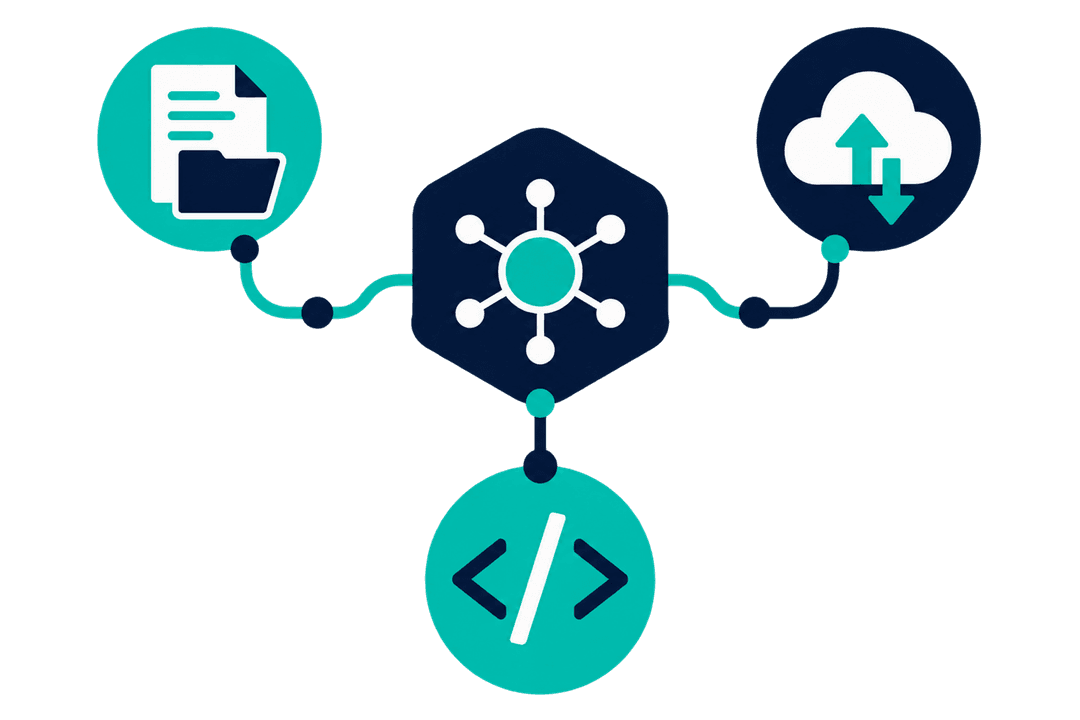
Integration work connects the Power Platform to systems that already hold your data: SharePoint document libraries, an ERP, a third-party service with an API. Where a ready-made connector exists I use it. Where none does, I build a custom connector so your apps and flows treat that system like any other.
Who this is for
- Businesses moving data between systems by exporting a spreadsheet and importing it somewhere else.
- Teams whose documents live in SharePoint but whose process lives somewhere else entirely.
- Companies with a third-party service that has an API nobody has connected yet.
- Anyone maintaining the same record in two systems by hand.
What this looks like in practice
SharePoint document workflows
Files generated, filed into the right library with the right metadata, and linked back to the record they belong to. Finding a document stops depending on who saved it and where.
Custom connectors for third-party APIs
A service with a REST API becomes available to every app and flow in your environment, with authentication handled once rather than reimplemented in each place it is needed.
ERP and line-of-business integration
The Power Platform reads from and writes to the system that owns the data, so a Power App can show live information without a nightly copy that is stale by morning.
Migrating data between systems
A one-off move of records from an old system into Dataverse or SharePoint, with the mapping and validation worked out before anything is written.
What I build it with
The specific components involved, so you can judge the fit rather than take my word for it.
- Custom connectors
- REST APIs
- OAuth and API keys
- SharePoint Online
- Microsoft Graph
- Power Automate HTTP actions
- JSON
- Dataverse
How we’d work together
01
A call, at no cost
30 minutes on the process that is causing the problem. You get a straight answer on whether this is the right tool, including when it is not.
02
A scoped proposal
What gets built, in what order, and what it depends on from your side. Written down before anything starts, so there is no argument later about what was included.
03
Delivery in stages
You see working software early and often rather than at the end. I can take a project end to end or work inside your existing team, whichever fits how you are set up.
Work involving this
Common questions
What do you need from us to integrate a third-party system?
API documentation, a test environment, and credentials with the right scope. The documentation is the part that most often turns out to be missing or out of date, so it is worth checking before the work is scheduled rather than during it.
What if the system has no API?
Then the options narrow to file-based exchange, database access where that is permitted, or robotic process automation as a last resort. None of these are as reliable as an API, and I will tell you that up front rather than after the estimate.
Is a custom connector secure?
It uses the authentication the target API supports, and credentials are held in the connection rather than in the app or flow. That means access can be revoked centrally, and no secret ends up embedded in something a maker could copy.
Last updated
Tell me what you’re trying to fix
30 minutes, no cost, no pitch. If Integrations is the wrong answer for your problem, I’ll say so on the call.
Or reach me directly at asem@asemalabtah.com