Power Apps Development
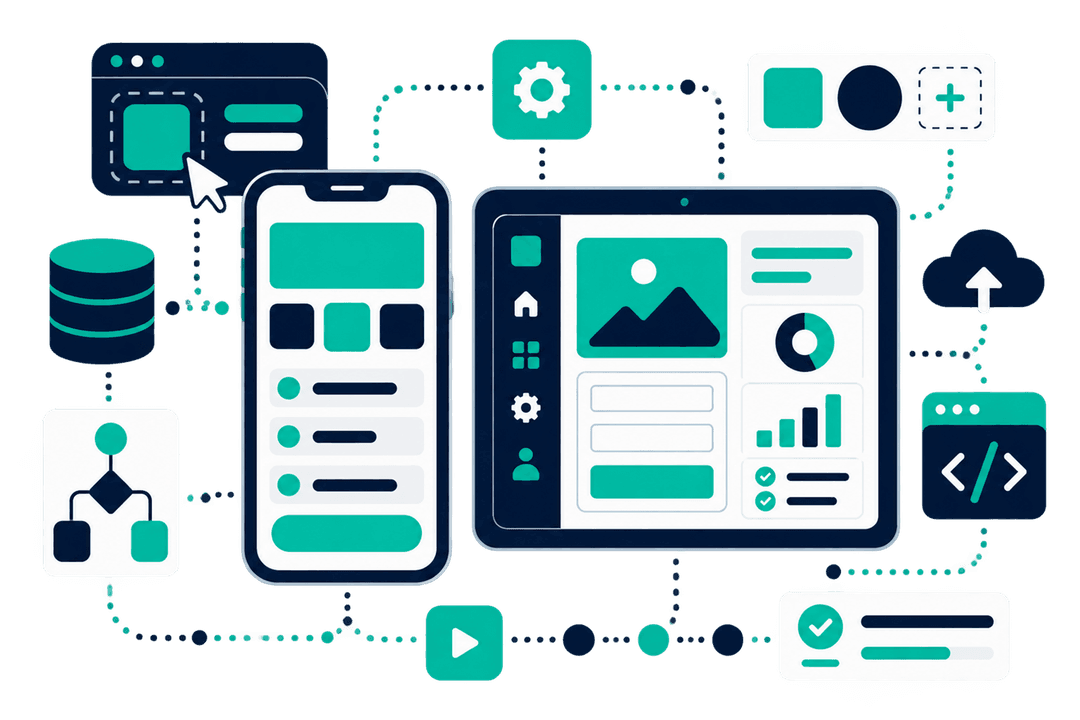
Power Apps development means building the internal apps your business runs on without writing an application from scratch. I build two kinds: Canvas Apps, where the screen is designed around a specific task, and Model-Driven Apps, where the app is generated from your data model. Both run on phone, tablet, and desktop.
Who this is for
- Teams collecting information on paper, then re-typing it into a system later.
- Businesses running a critical process in a shared spreadsheet that several people edit at once.
- Companies whose off-the-shelf system covers most of a process but not the part that matters.
- Anyone with a Power App that has slowed down, broken, or lost its original developer.
What this looks like in practice
Field and site data capture
Staff record inspections, deliveries, or incidents where the work happens, with photos attached at the point of capture instead of emailed in afterwards. Offline support matters here: sites lose signal, and the app has to keep working.
Replacing a shared spreadsheet
The spreadsheet that runs a process usually has no validation, no permissions, and no history of who changed what. Moving it into an app keeps the familiar workflow and adds the parts a spreadsheet cannot do.
Approval and request handling
Requests come in through a form, route to the right approver, and stay visible to the person who raised them. No more chasing an email thread to find out where something is.
Admin consoles for an existing solution
A back-office app where supervisors configure the options that front-line staff work through, so changing a checklist or a location does not need a developer.
What I build it with
The specific components involved, so you can judge the fit rather than take my word for it.
- Canvas Apps
- Model-Driven Apps
- Dataverse
- SharePoint Lists
- Offline mode
- Power Fx
- Custom connectors
- Role-based security
How we’d work together
01
A call, at no cost
30 minutes on the process that is causing the problem. You get a straight answer on whether this is the right tool, including when it is not.
02
A scoped proposal
What gets built, in what order, and what it depends on from your side. Written down before anything starts, so there is no argument later about what was included.
03
Delivery in stages
You see working software early and often rather than at the end. I can take a project end to end or work inside your existing team, whichever fits how you are set up.
Work involving this
Logistics - Gulf region
Container Damage Reporting App
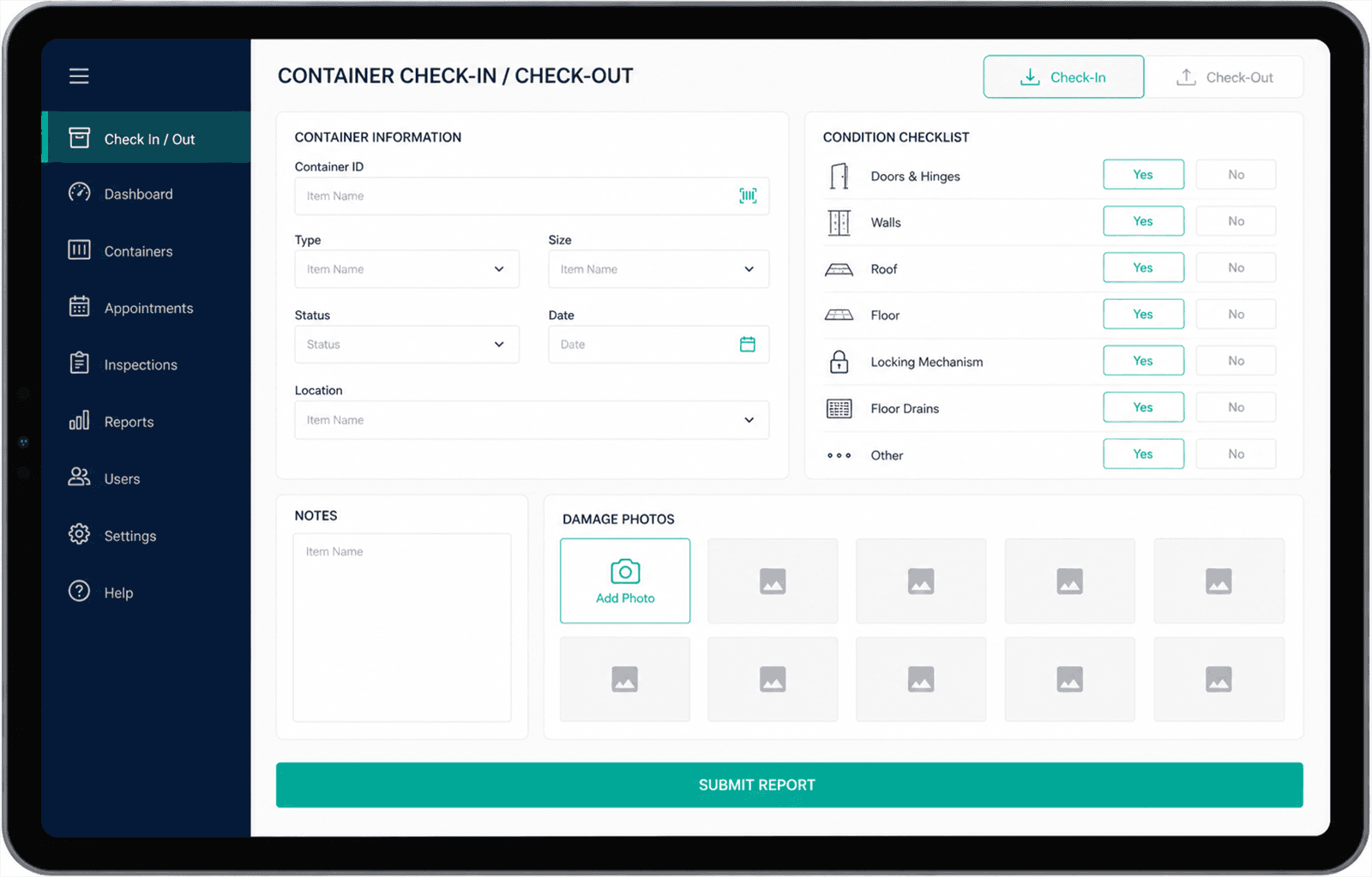
A tablet app for yard staff to check containers in and out, record damage against a condition checklist, and attach photos at the point of inspection.
Industrial site operations - Gulf region
Visitor Entry Management App
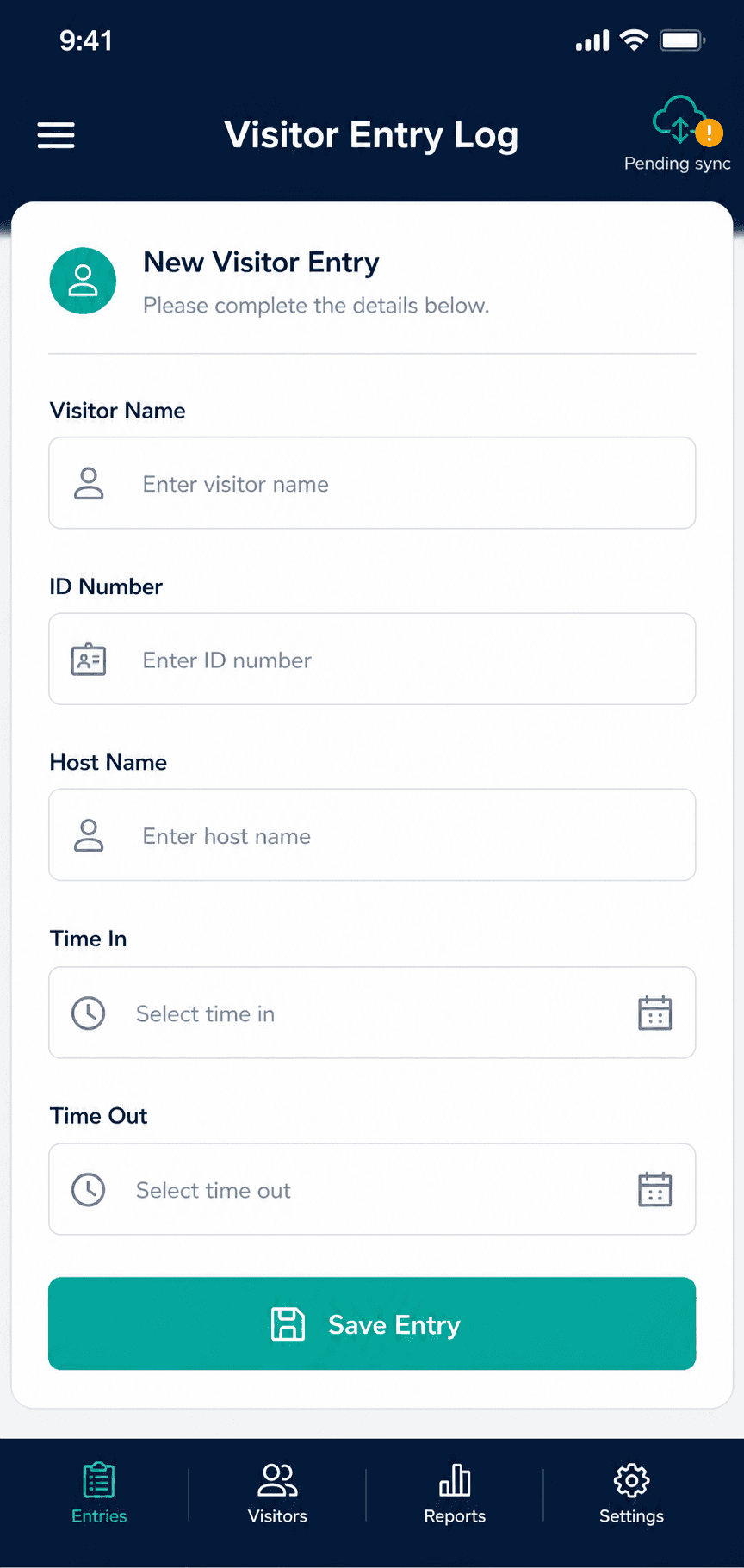
A phone app guards use at the gate to log visitor entries and exits. It keeps working when the connection drops and syncs once signal returns.
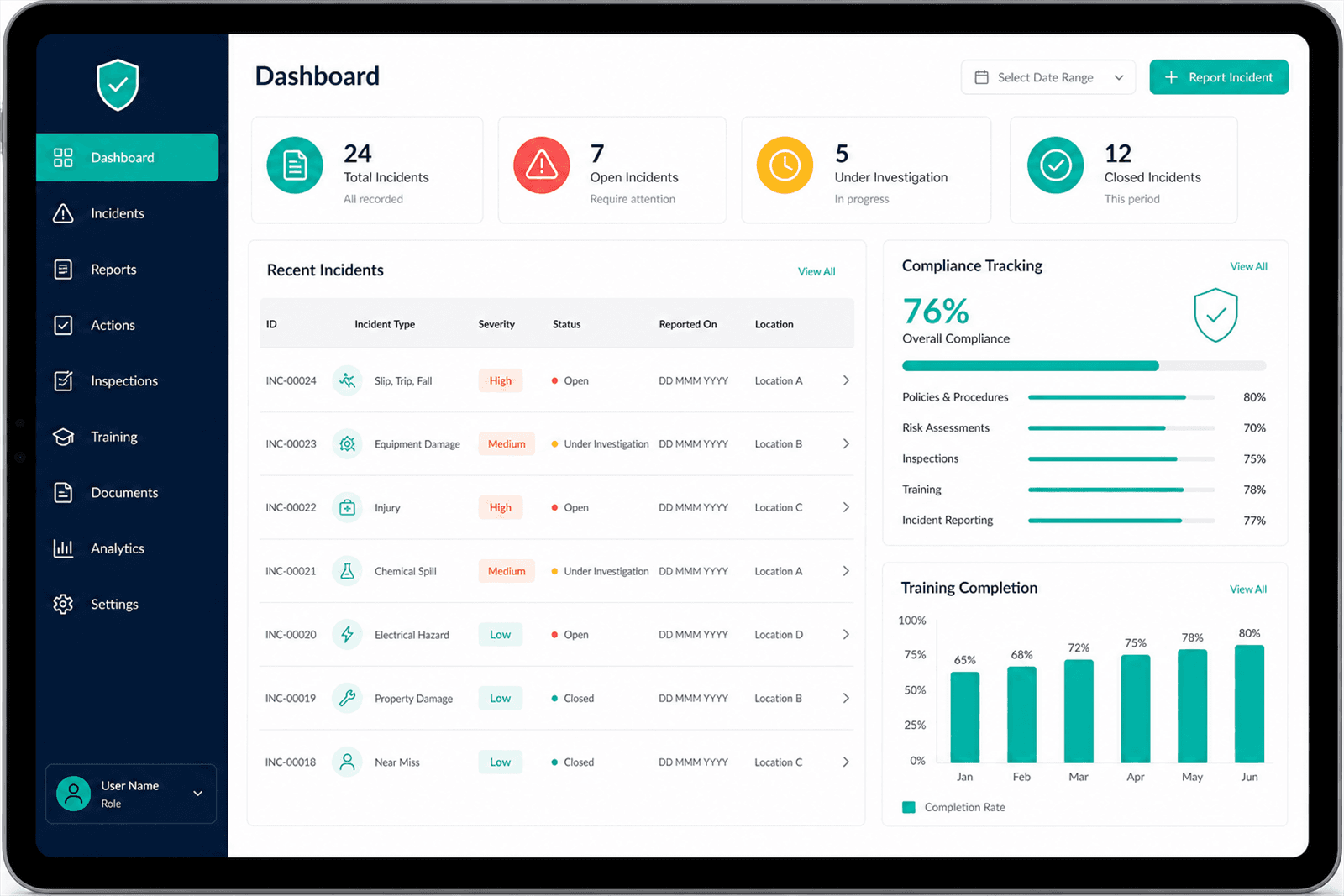
Industrial operations - Gulf region
HSE Management App
One place to report incidents, track compliance obligations, and record safety training, replacing spreadsheets that were maintained separately by each site.
Common questions
Should I use a Canvas App or a Model-Driven App?
Canvas when the screen needs to match a specific task and you care how it looks - field capture, guided workflows, anything used on a phone. Model-Driven when the app is really a front end for structured data with a lot of relationships, and consistency matters more than layout. Plenty of projects use both. I make the call after seeing the process, not before.
Will the app work without an internet connection?
Canvas Apps can. Offline support is designed in rather than added later, because it changes how data is stored and how conflicts get resolved when two people edit the same record on different devices. If your staff work somewhere with unreliable signal, say so on the first call.
Can you take over an app another developer built?
Yes, and it is a large part of my work. I start by reviewing what exists, then tell you whether repairing it or rebuilding it costs less. Sometimes the honest answer is rebuild, usually when the data model underneath no longer matches how the business works.
How many users can a Power App handle?
More than most people expect, but performance depends far more on how the app queries data than on user count. Slow apps are usually the result of pulling too much into memory or filtering on columns the data source cannot delegate. That is a design problem, and it is fixable.
Last updated
Tell me what you’re trying to fix
30 minutes, no cost, no pitch. If Power Apps is the wrong answer for your problem, I’ll say so on the call.
Or reach me directly at asem@asemalabtah.com