
Power Automate & Process Automation
Power Automate runs the steps of a business process on its own: routing an approval, generating a document, sending a reminder, moving data between two systems on a schedule. The work happens whether or not somebody remembers to start it, and every run leaves a record of what happened.
Who this is for
- Teams where approvals live in email and nobody can say where a request currently sits.
- Anyone producing the same report by hand every week from the same few sources.
- Businesses copying data between two systems by exporting and re-importing spreadsheets.
- Processes that quietly stall when the one person who knows the next step is on leave.
What this looks like in practice
Multi-stage approvals
A request routes through the right approvers in the right order, escalates when it sits too long, and notifies the requester at each stage. The audit trail comes free, which matters when someone asks who approved what.
Document generation
Certificates, reports, and forms produced from a template and the record behind them, then filed and emailed automatically. This removes the copy-paste step where most document errors come from.
Scheduled reporting
A report compiled from several sources and delivered on a schedule, rather than assembled by hand each Monday morning by someone who could be doing something else.
System-to-system sync
Records created in one system appear in another without an export-and-import cycle, using the connectors that exist or a custom one where they do not.
What I build it with
The specific components involved, so you can judge the fit rather than take my word for it.
- Cloud flows
- Approval actions
- Scheduled and instant triggers
- HTTP requests
- Custom connectors
- Dataverse
- SharePoint
- Office 365 connectors
- Expressions
How we’d work together
01
A call, at no cost
30 minutes on the process that is causing the problem. You get a straight answer on whether this is the right tool, including when it is not.
02
A scoped proposal
What gets built, in what order, and what it depends on from your side. Written down before anything starts, so there is no argument later about what was included.
03
Delivery in stages
You see working software early and often rather than at the end. I can take a project end to end or work inside your existing team, whichever fits how you are set up.
Work involving this
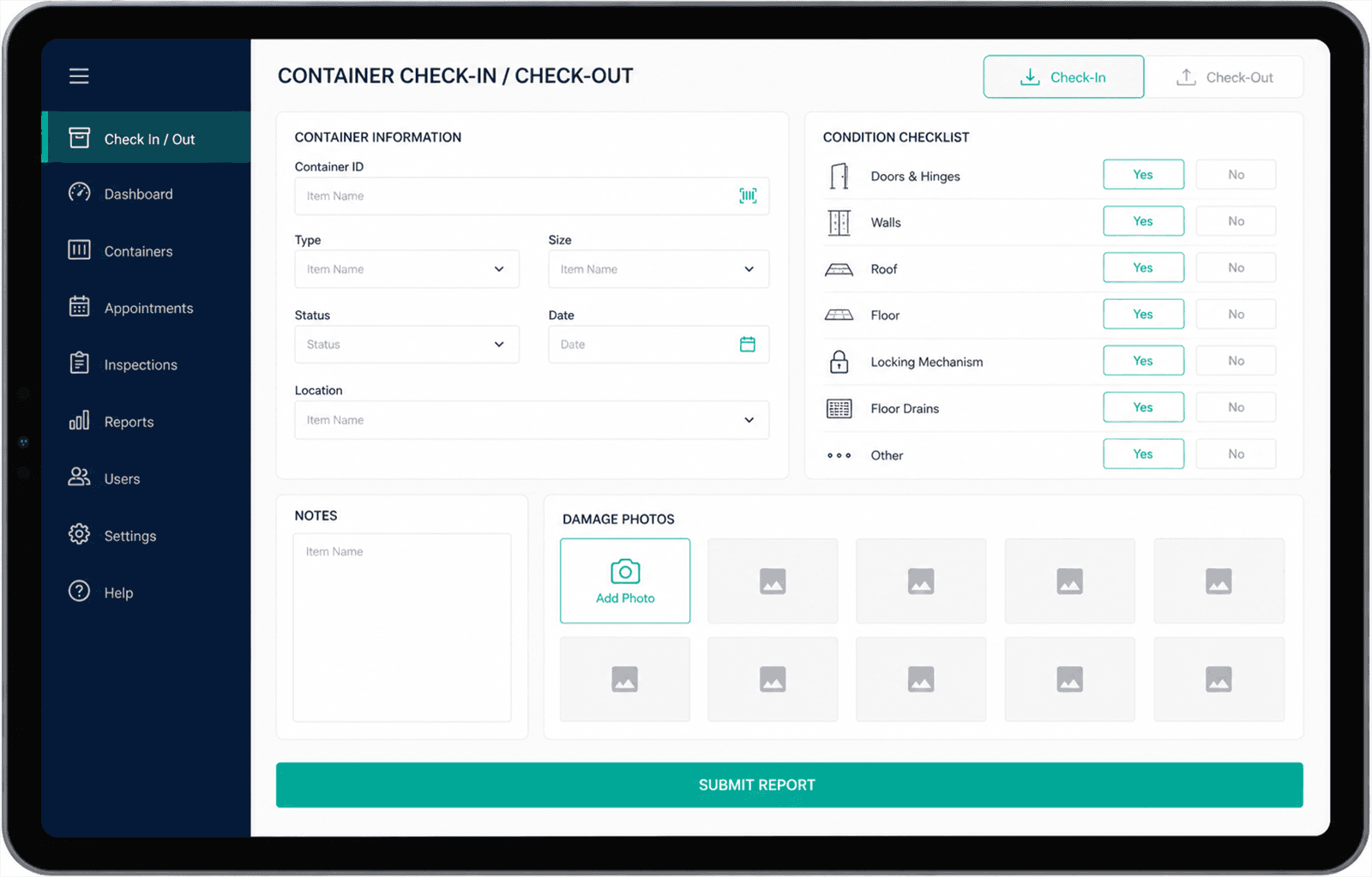
Logistics - Gulf region
Container Damage Reporting App
A tablet app for yard staff to check containers in and out, record damage against a condition checklist, and attach photos at the point of inspection.
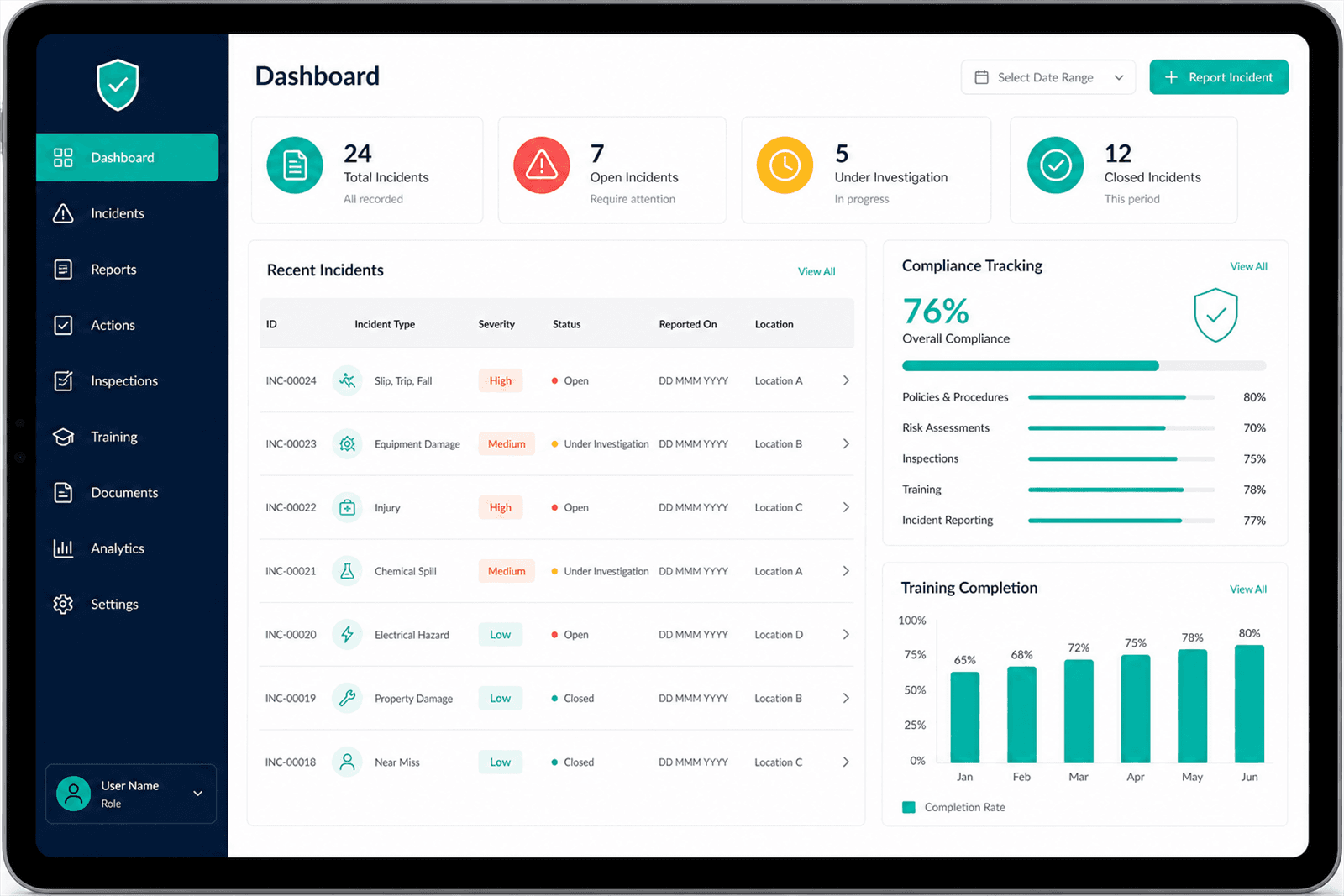
Industrial operations - Gulf region
HSE Management App
One place to report incidents, track compliance obligations, and record safety training, replacing spreadsheets that were maintained separately by each site.
Common questions
What kinds of processes are worth automating?
Anything repetitive, rule-based, and currently dependent on someone remembering. Approvals, reminders, recurring reports, and data moving between systems are the usual candidates. Processes that need real judgement on every case are usually not worth automating, though the routing around them often is.
What happens when a flow fails?
Flows fail - a system is down, a record is malformed, a connection expires. What matters is whether the failure is visible. I build in error handling and notification so a broken run raises a flag rather than disappearing quietly, which is how automations lose trust.
Can Power Automate connect to a system with no ready-made connector?
Usually yes, if that system has an API. I build a custom connector so the flow treats it like any other action. If there is no API at all, the options narrow considerably, and that is worth establishing early rather than midway through a build.
Do flows count against a licence?
Yes, and which licence depends on the connectors involved: standard connectors sit inside most Microsoft 365 plans, premium ones need Power Platform licensing. It affects design decisions, so it is worth settling before the build rather than after.
Last updated
Tell me what you’re trying to fix
30 minutes, no cost, no pitch. If Power Automate is the wrong answer for your problem, I’ll say so on the call.
Or reach me directly at asem@asemalabtah.com